


Redesign any room. Then get it built.
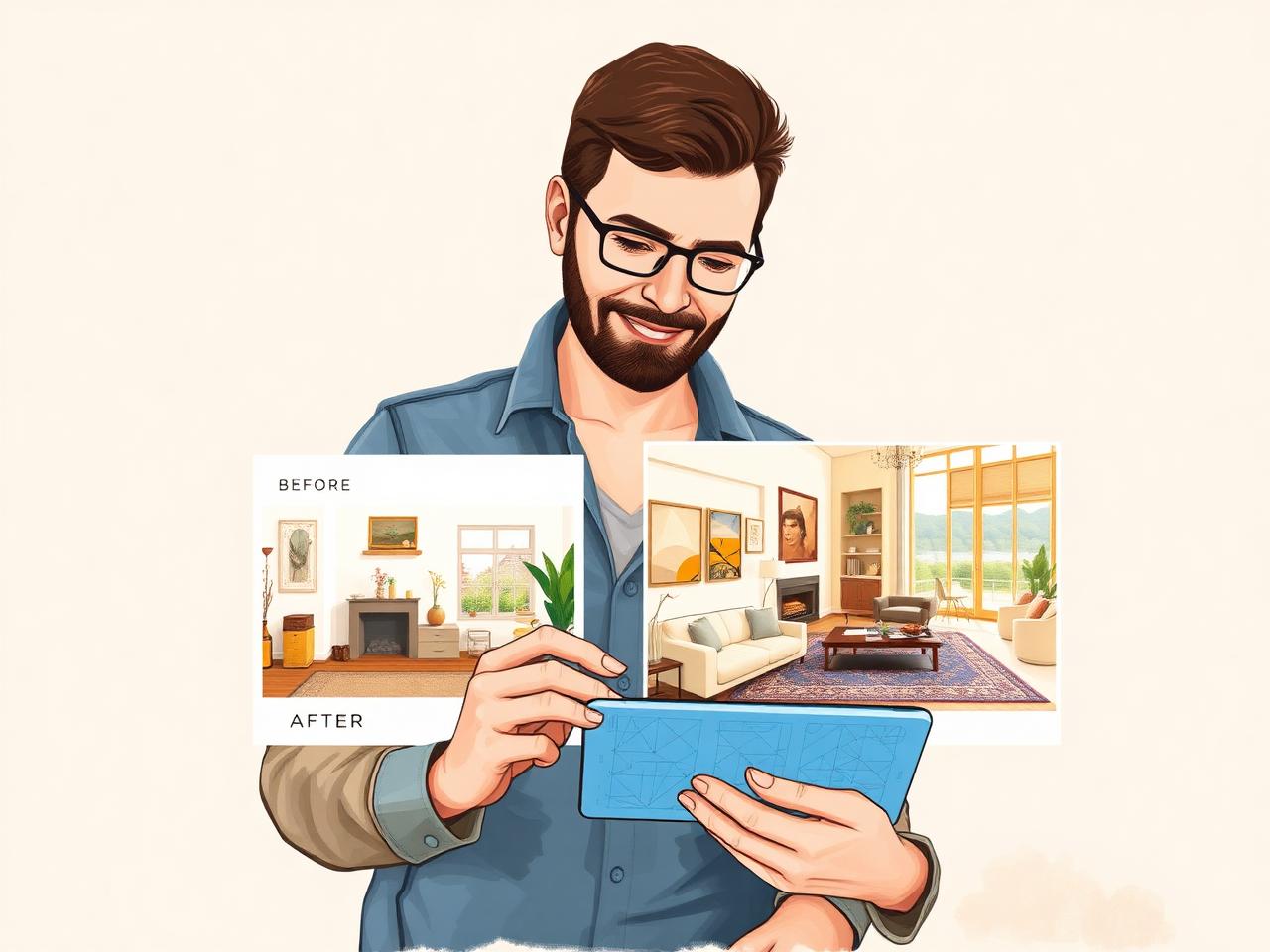
HomeHelp Design Studio turns a photo of your space into a photoreal redesign in seconds — and lets you share it with your household or a contractor on HomeHelp without leaving the app.
Idea Book
Real before-and-after examples. Tap a photo to compare, then try the same idea on your own room.
Living room
Warm modern living room: light oak floors, a low-profile sectional in oatmeal bouclé, black steel window trim, a plaster fireplace surround, and layered warm lighting. Keep the existing windows and room layout.
Try this on my roomKitchen
Modern farmhouse kitchen: shaker cabinets in soft sage, honed white marble counters, unlacquered brass fixtures, an apron sink, and a walnut island top. Keep the existing appliance and window locations.
Try this on my roomBathroom
Spa bathroom: large-format stone-look porcelain tile, a curbless walk-in shower with a glass panel, floating double vanity in rift oak, matte black fixtures, and a backlit mirror. Keep the current plumbing wall.
Try this on my roomBackyard
Backyard refresh: a paver patio with a built-in bench, a pergola with string lights, raised planting beds, a gravel path, and low-maintenance native landscaping. Keep the existing fence line and grade.
Try this on my roomSwipe to see more →
Four steps from photo to quote
No design software. No downloads. Just a phone and a room you'd like to change.
1. Snap or upload a photo
Take a picture of the room you want to reimagine — kitchen, bath, living room, exterior, or a blank space you're planning.
2. Describe your vision
Pick a style (modern farmhouse, coastal, mid-century, Japandi, industrial…) or tell the AI what you want in your own words.
3. Generate the design
The AI renders a photoreal transformation while preserving your room's real dimensions, windows, and layout.
4. Share with collaborators
Send the design to your partner, family, or a contractor already on HomeHelp. They can comment, quote, and turn it into a project.
Built on the newest image models
We upgrade the underlying AI as better models ship. Today you can choose between fast, photoreal renders and slower HD renders for hero shots.
Google's newest fast image model. Best for most rooms — quick renders that keep spatial accuracy.
The highest-fidelity option. Use for hero shots, listing photos, or when a contractor needs to quote from the image.
Share designs. Get quotes. All in one place.
A great render is only useful if you can actually do something with it. HomeHelp connects your designs to the people who can build them.
Your household
Loop in a spouse, roommate, or family member so nobody's redesigning the same room three different ways.
Contractors on HomeHelp
Send a design directly to a verified pro in our network. They see the render, the room details, and can respond with a quote — inside the app.
Designers & advisors
Share a link with an interior designer or a friend with good taste. They comment; you iterate.
How the contractor hand-off works
- Open a saved design and click Share → Send to a contractor.
- Pick a verified contractor from your saved list or search the HomeHelp directory.
- The contractor gets the render, your room details, and can start a message thread inside HomeHelp.
- They respond with a quote or line-item estimate you can accept, negotiate, or turn into a project.
Private by default
Your designs stay in your account. You choose who sees them.
Spatially accurate
Windows, doors, and dimensions are preserved so quotes are grounded in reality.
Yours to keep
Download any render or share it as a link — no watermark on premium plans.
Frequently asked questions
Ready to see your room reimagined?
Try the Design Studio free. Iterate as many times as you like — and when you find the one, send it to a contractor without leaving HomeHelp.